autodesk bim 360 admin software - research & design
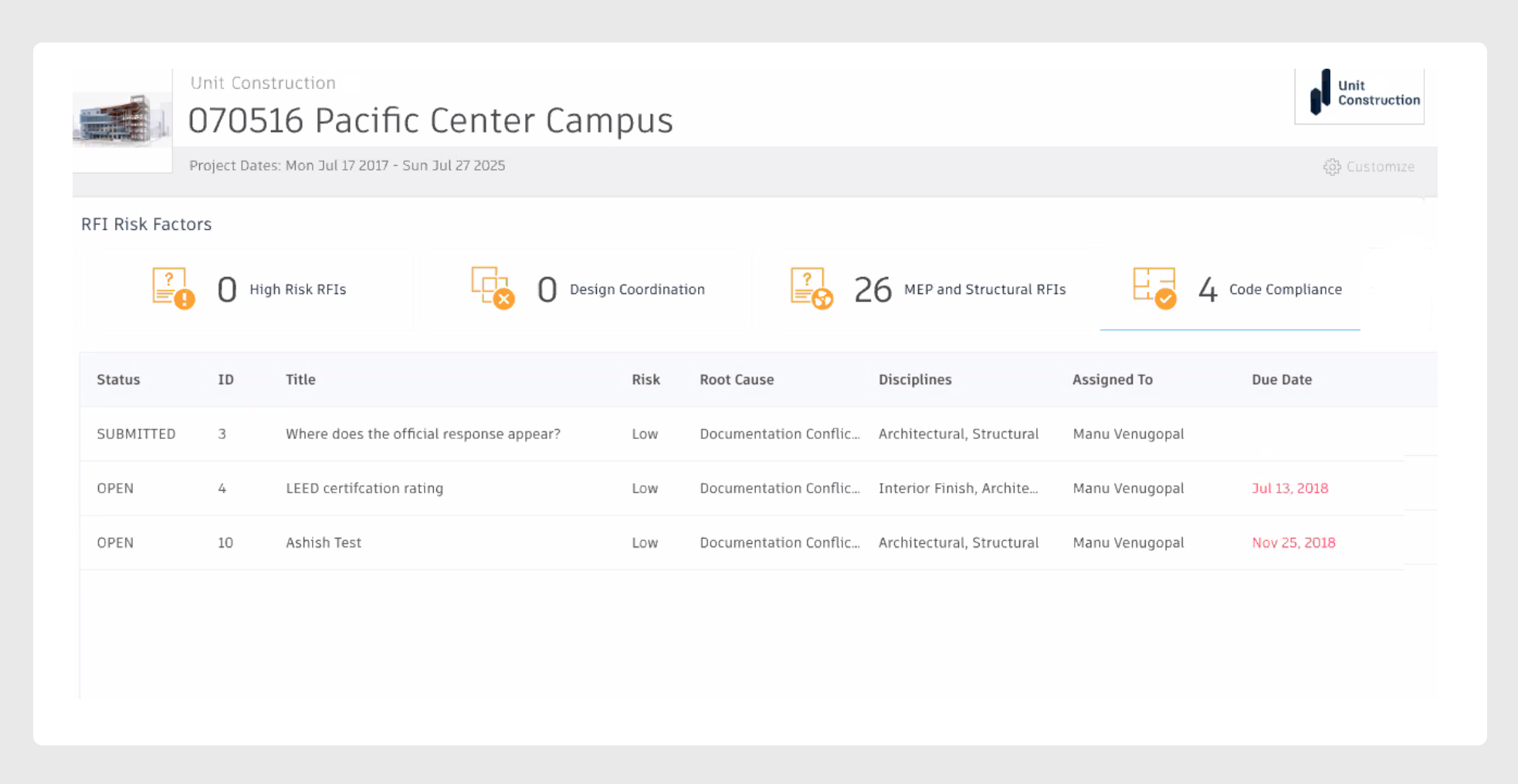
Autodesk’s Insight 360 is part of the BIM 360 suite of software. It equips admins with reporting capabilities, unified analytics for quality and safety controls, and helps admins assess trends and patterns.
What was the challenge?
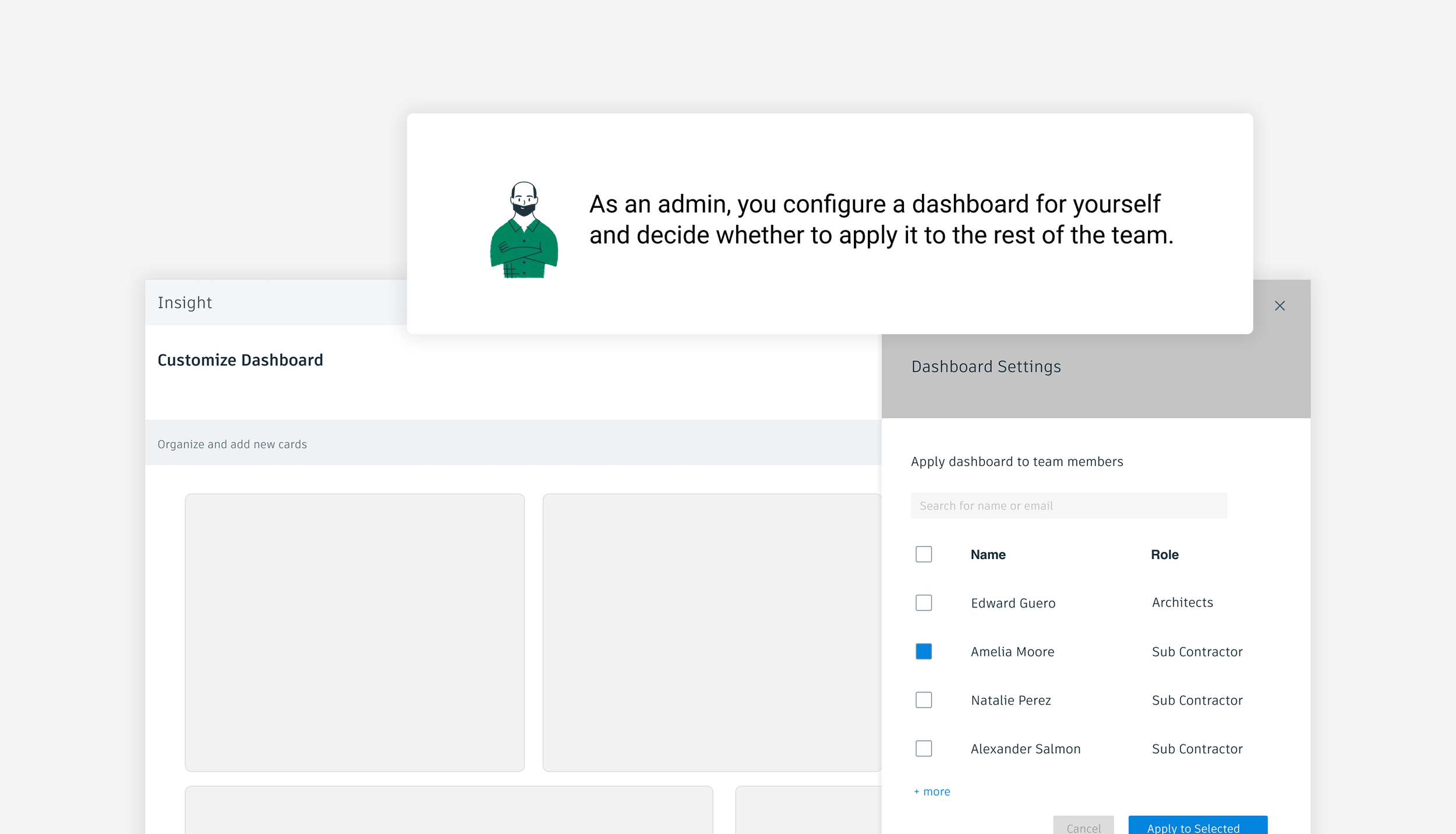
The ask for enhanced configuration features within Insight came directly from Autodesk BIM 360 admin users already on construction projects. Busy admins needed the capability to configure Insight defaults for their team members, efficiently and quickly. This is because many team members lacked the knowledge of how to configure dashboards and similar to their project admins, did not have the time to do so. With the hypothesis that the Insight admin is a tech-savvy individual (based on established user personas and previous UXR), I provided high-trust design options for review with admins.
The new designs for the Insight feature optimization were complex in that admins have the highest level of access and configuration. Admins would also need to have the ability to overwrite and the only users with the power to do so. I needed to design customization features with the ability to do a full-sweep overwrite, plus the ability to restore back to default. Together with UXR, I planned to review complexity of these optimizations with admins as well as their collaborators. We knew our audience would be a mix of tech-savvy and non tech-savvy users and set out to begin qualitative user testing.
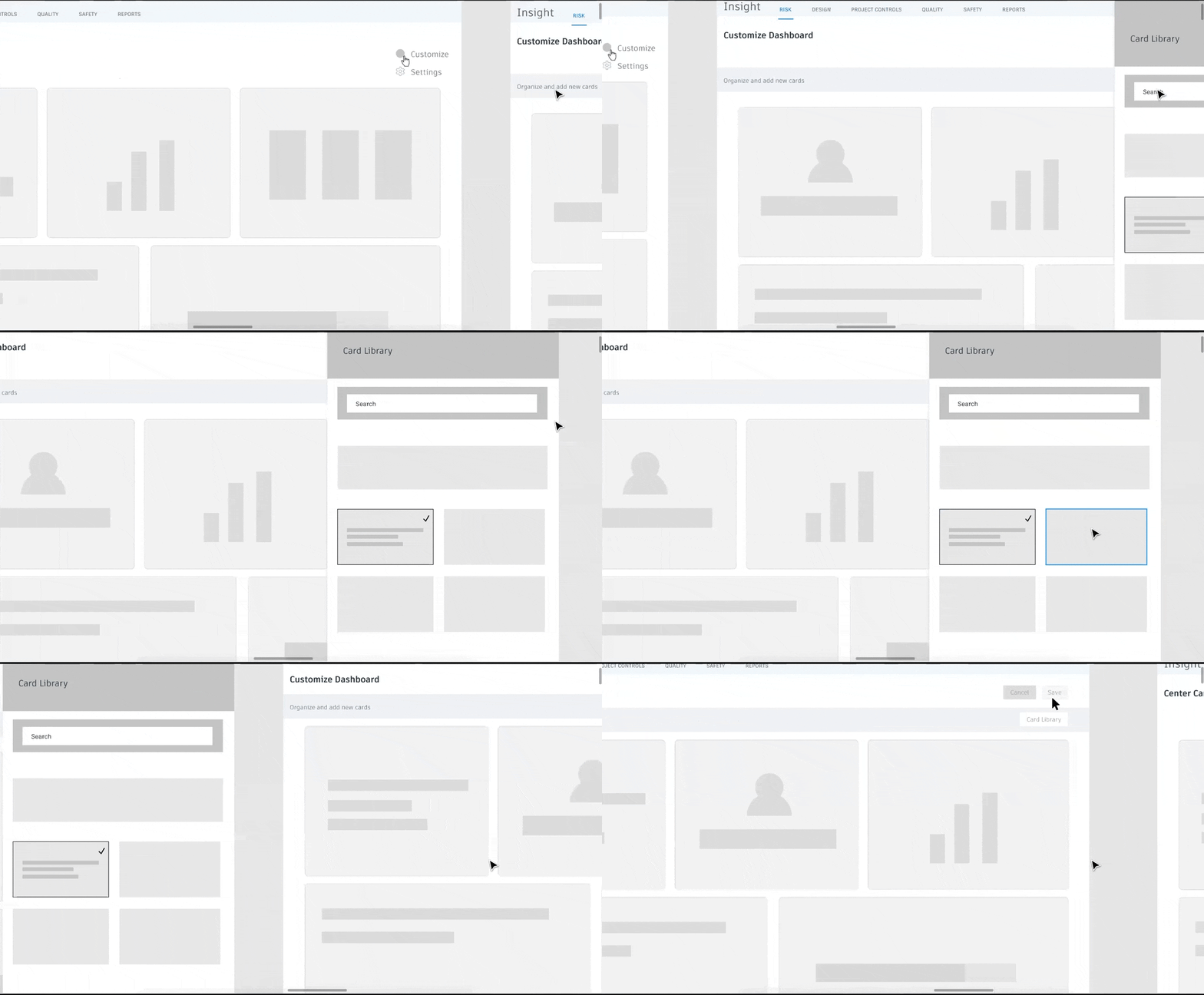
Partnering with Autodesk’s dedicated UXR team, I wrote a research script for my dashboard prototypes. After a researcher sourced and screened participants, I ran the script while showing my prototypes to users and conducted my own user research sessions. Participants for the sessions were high-level admin users and Autodesk clients. UXR trials overwhelmingly led to an increase in comprehension and usability from the perspective of the construction industry admin users whom we interviewed.